
Illustrative n8n workflow
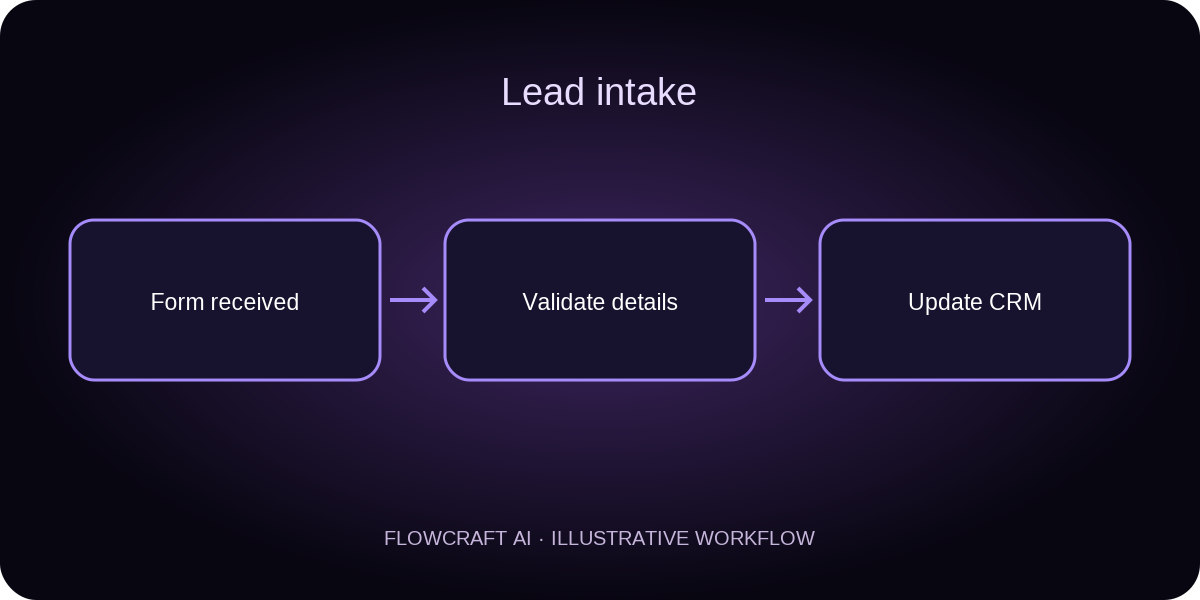
Lead intake
- Pattern
- 3 steps
- Control
- Review first
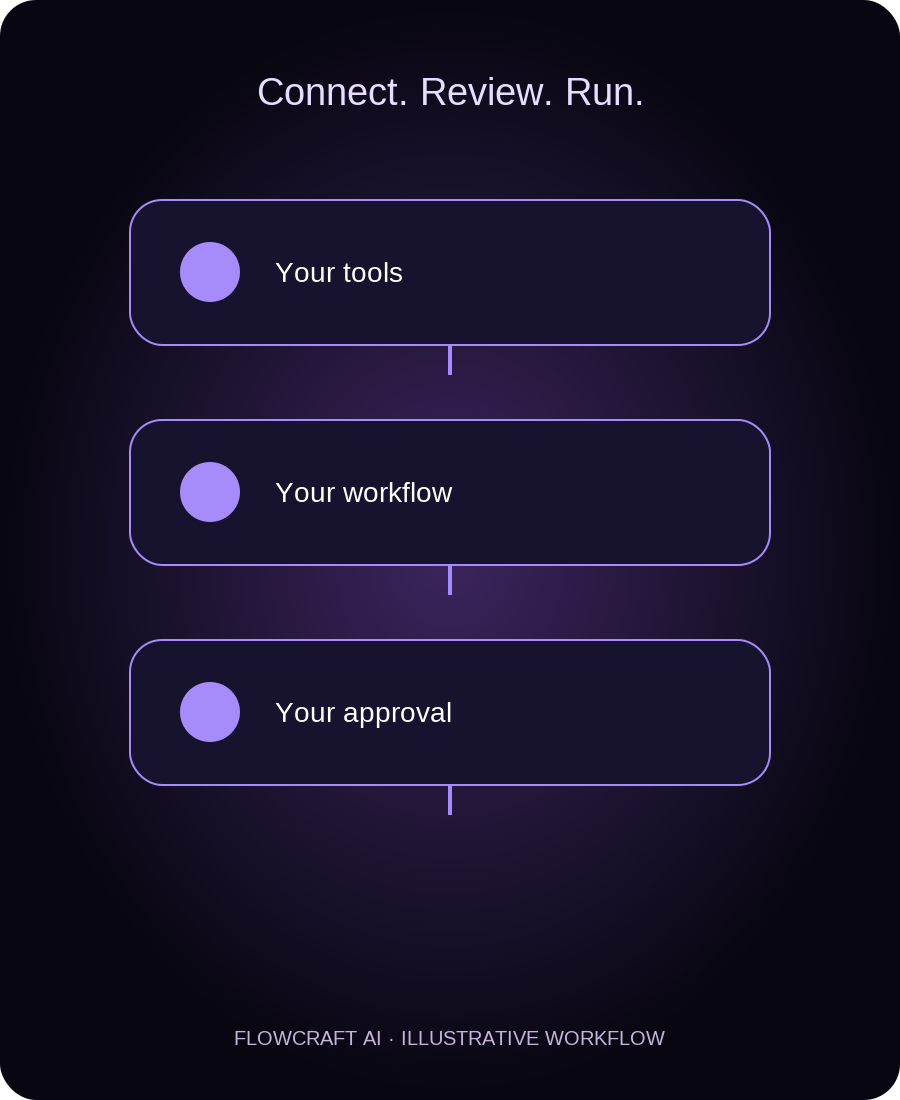
Connect the tools you already use. Turn repeated tasks into clear n8n workflows, add AI where it helps, and keep important decisions with your team.
Workflow examples
Explore practical automation patterns. These are illustrative examples, not customer results.
Illustrative n8n workflow
Illustrative n8n workflow
Illustrative n8n workflow
Illustrative n8n workflow
Illustrative n8n workflow
Illustrative n8n workflow
Illustrative n8n workflow
Illustrative n8n workflow
Illustrative n8n workflow
Illustrative n8n workflow
Tools that fit your workflow


What we work toward
Give each task a clear trigger, useful data and a responsible owner. Review the result before a workflow takes an important action.
Start with one repeatable task. Measure its current effort, test the workflow with sample data, and compare the result before expanding.
Tools working together
Build visible workflows for the tasks that keep coming back.
Your existing tools


Connections depend on the tools, permissions and plan you choose. The website is a presentation template; it does not connect accounts on its own.
How the work happens
Map one repeated task and agree on a clear result.
Our services
Choose a focused task, then explore the tools and controls it needs.
Our working principles
Start with a real task, not a list of tools. A useful workflow solves a clear problem for the people who use it.
Purpose firstWorking principle, not a testimonialKeep important decisions visible. Use human approval for actions that carry a meaningful business impact.
Human controlWorking principle, not a testimonialTest more than the happy path. Missing information, repeated events and failed connections need a clear response.
ReliabilityWorking principle, not a testimonialMake the handover useful. Explain what runs, what it can access and who owns the next change.
Clear ownershipWorking principle, not a testimonialThe skills behind the workflow
Illustrative delivery roles, not individual staff profiles.
Illustrative delivery role
Illustrative delivery role
Illustrative delivery role
Before we begin
n8n connects triggers and actions in a visible workflow. It can move information between supported tools and add review steps before important actions.
AI can summarize, classify or draft from approved information. It does not replace a clear brief, reliable data or human review for important decisions.
No. This is a website template for an automation service. Actual workflows run in your chosen automation platform after accounts, scope and approvals are configured.
Start with the tools you already use. The available integration, API permissions and plan limits determine what can be connected safely.
Use dedicated connections with the least access required. Keep secrets in the automation platform, never in website content or a public workflow example.
Agree on alerts, safe retries and the responsible owner before launch. Avoid automatic retries for actions that could create duplicate messages or records.
Choose one repeated task. Share the current steps, supported tools, sample data and expected result. Agree on access and a measurable acceptance check before building.
Illustrative workflow
Capture enquiries once. Validate the fields, create a CRM record and route the next action.
Connect only approved accounts. Keep credentials in the automation platform, never in this website.
Illustrative workflow
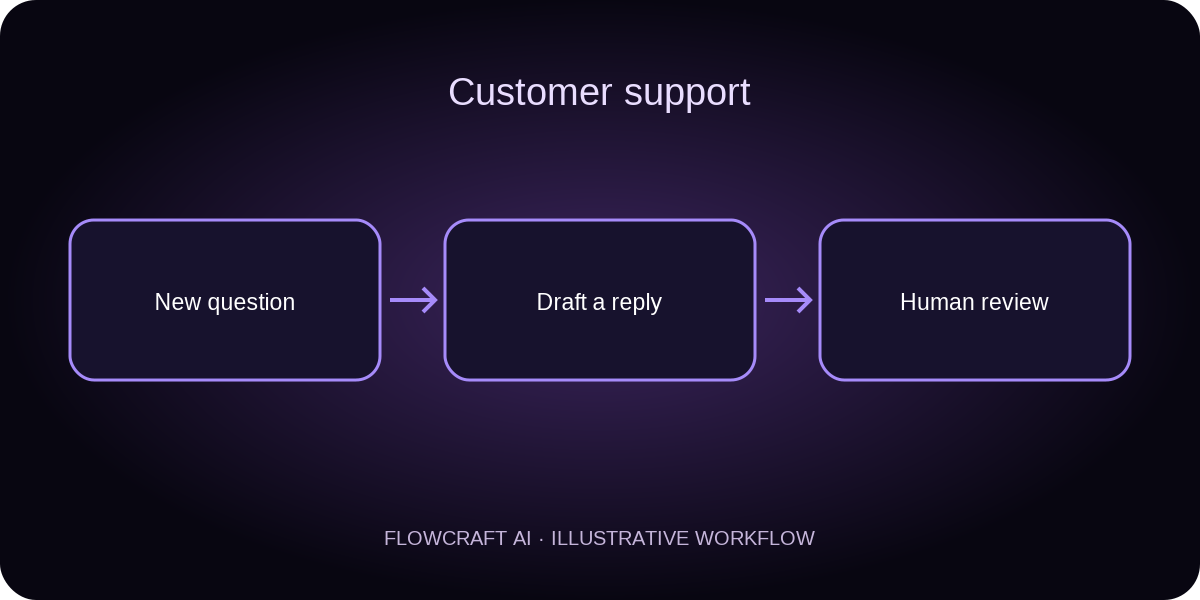
Prepare a reply from approved knowledge. Let a person review uncertain answers before sending.
Connect only approved accounts. Keep credentials in the automation platform, never in this website.
Illustrative workflow
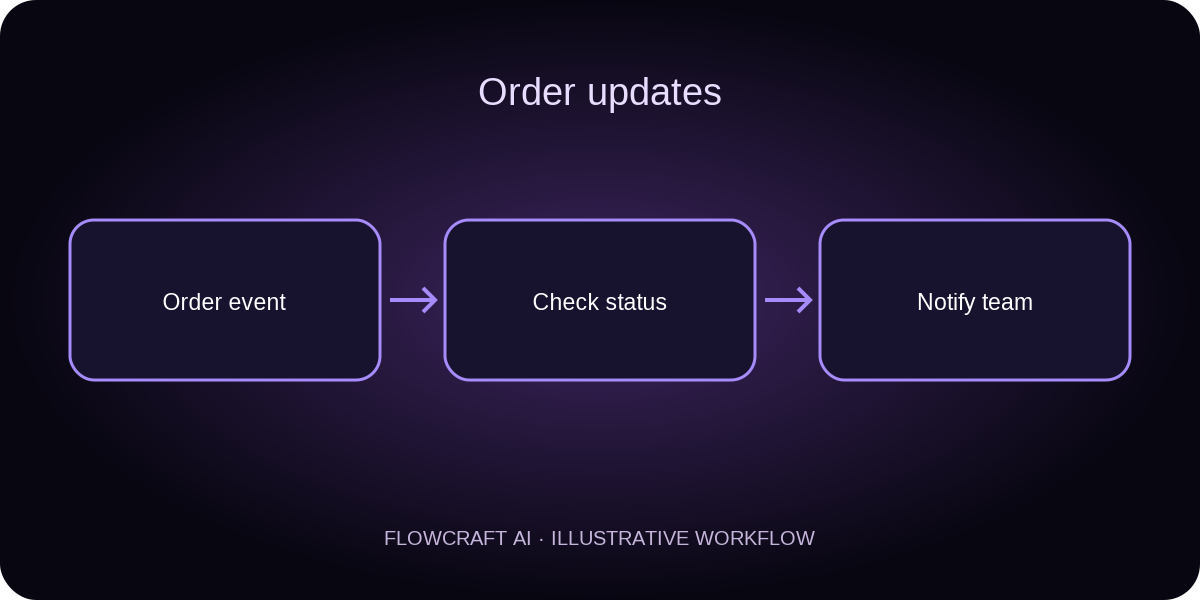
Keep the team informed when an order changes, without copying details between tools.
Connect only approved accounts. Keep credentials in the automation platform, never in this website.
Illustrative workflow
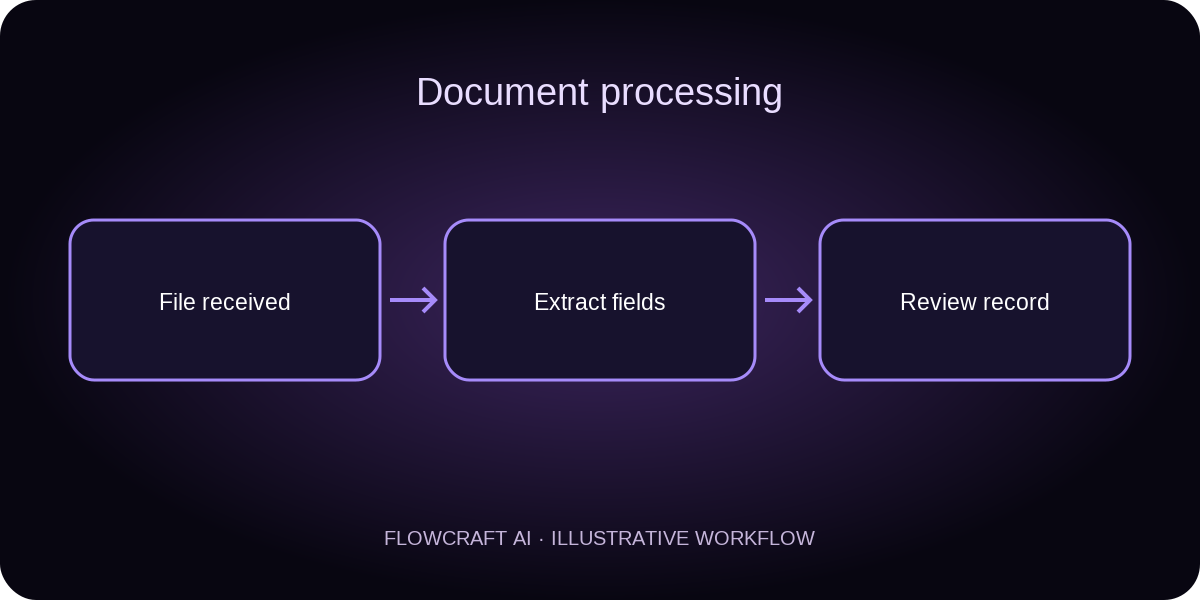
Extract useful fields from a document and flag missing information for review.
Connect only approved accounts. Keep credentials in the automation platform, never in this website.
Illustrative workflow
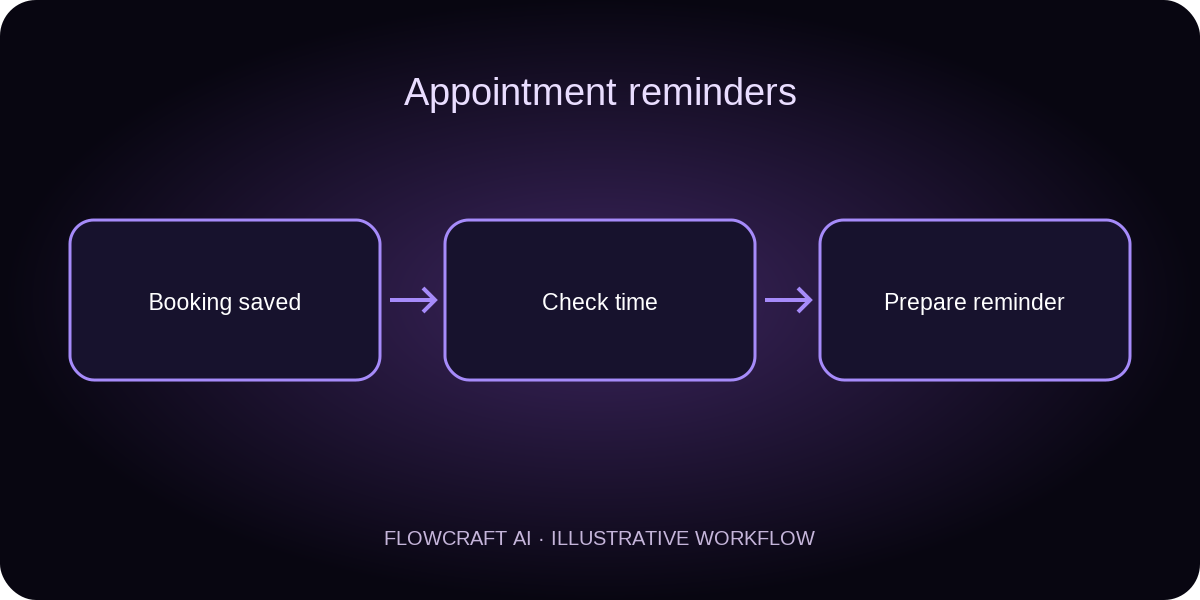
Prepare a timely reminder from an existing booking. Keep scheduling in its original system.
Connect only approved accounts. Keep credentials in the automation platform, never in this website.
Illustrative workflow
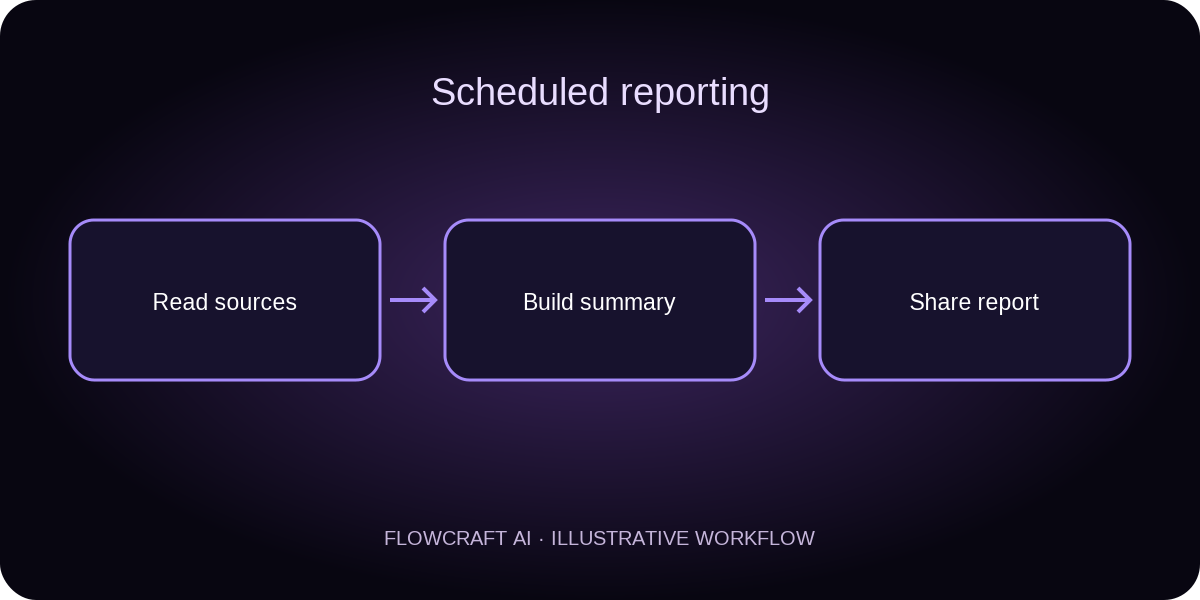
Bring approved data into a scheduled summary with links back to the original records.
Connect only approved accounts. Keep credentials in the automation platform, never in this website.
Illustrative workflow
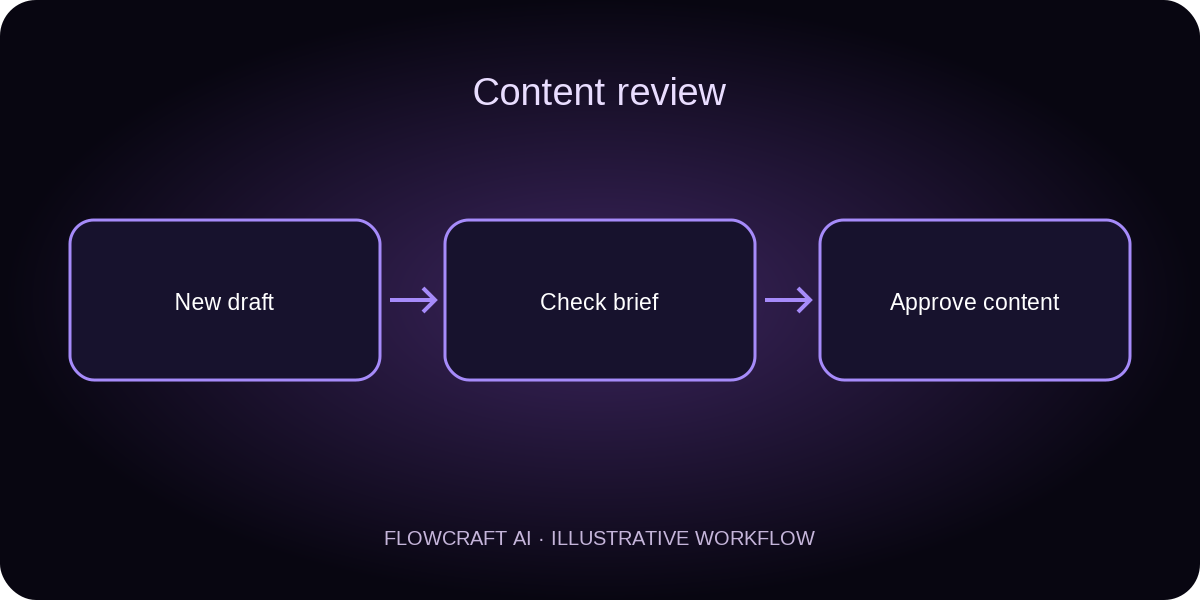
Check a draft against its brief and leave the final publication decision with your team.
Connect only approved accounts. Keep credentials in the automation platform, never in this website.
Illustrative workflow
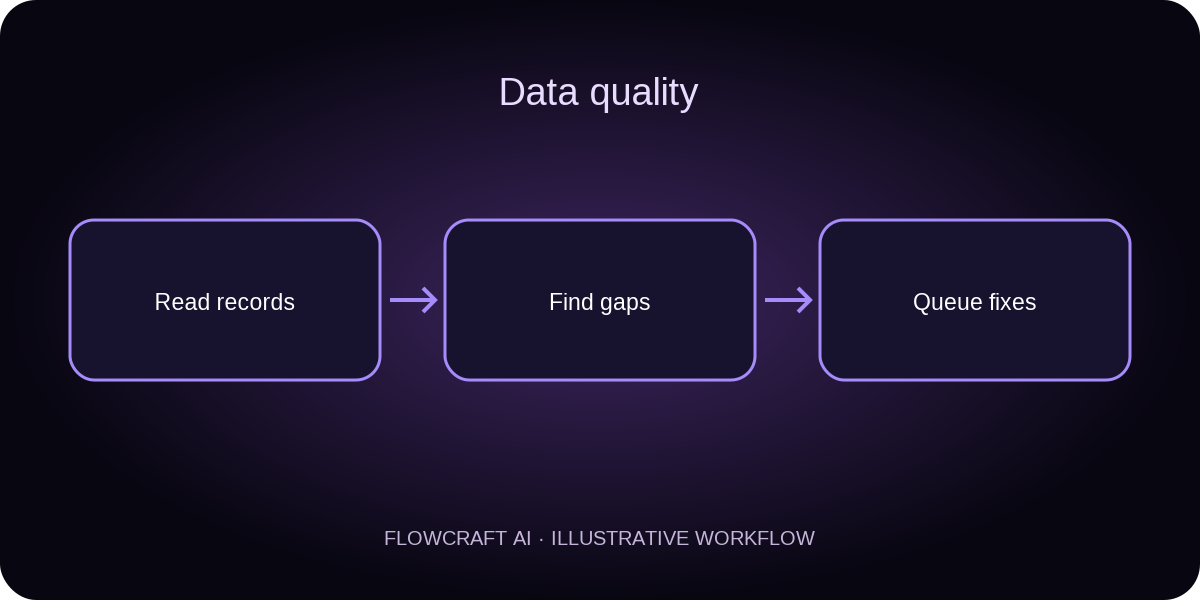
Detect missing fields and duplicate candidates, then review changes before applying them.
Connect only approved accounts. Keep credentials in the automation platform, never in this website.
Illustrative workflow
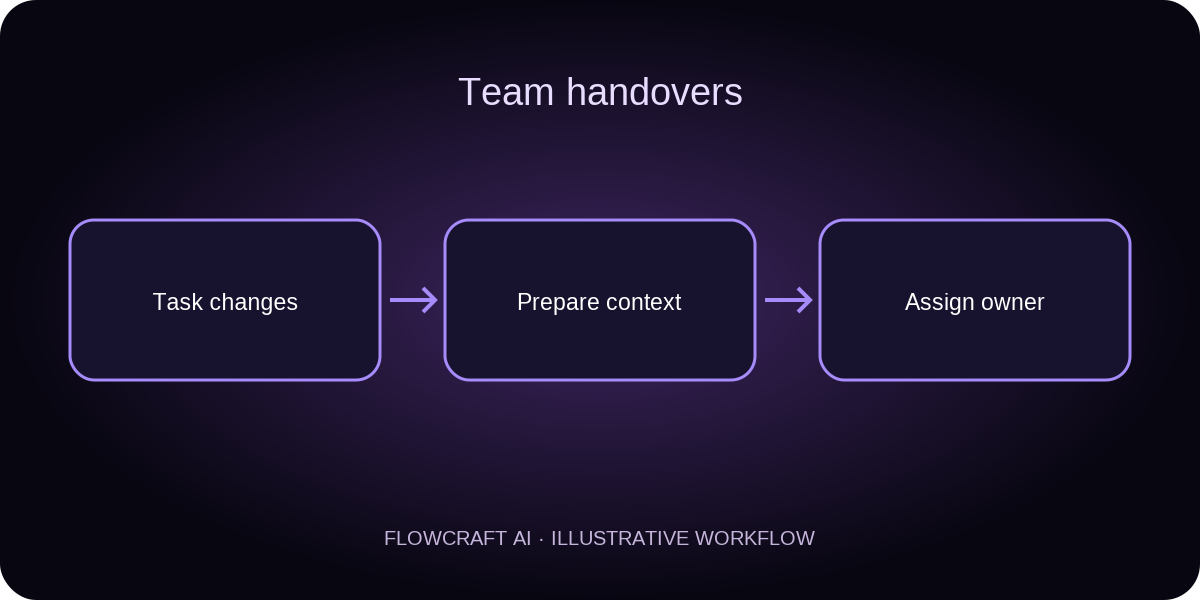
Pass a concise task summary to the right owner while keeping a record of what changed.
Connect only approved accounts. Keep credentials in the automation platform, never in this website.
Illustrative workflow
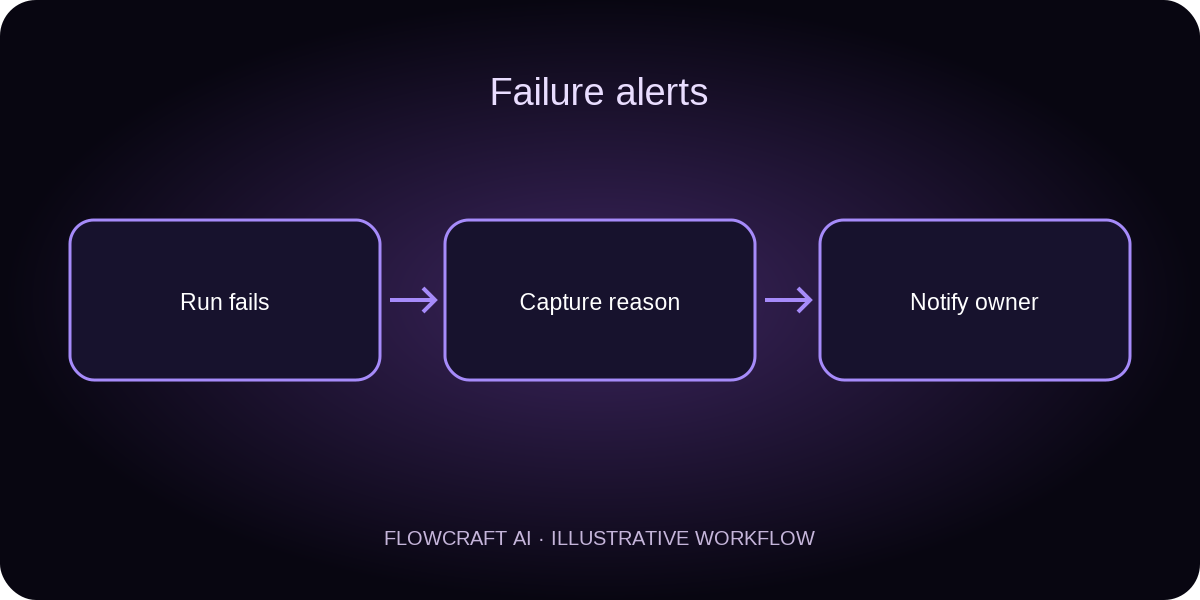
Notify the owner when a run fails. Retry only when it is safe and avoid duplicate actions.
Connect only approved accounts. Keep credentials in the automation platform, never in this website.
Define the task, the data and the acceptance check. Keep the scope clear before connecting tools.
Connect supported tools with approved access. Keep credentials in the automation platform.
Test missing data, duplicate events and failure handling. Document the handover and approval steps.